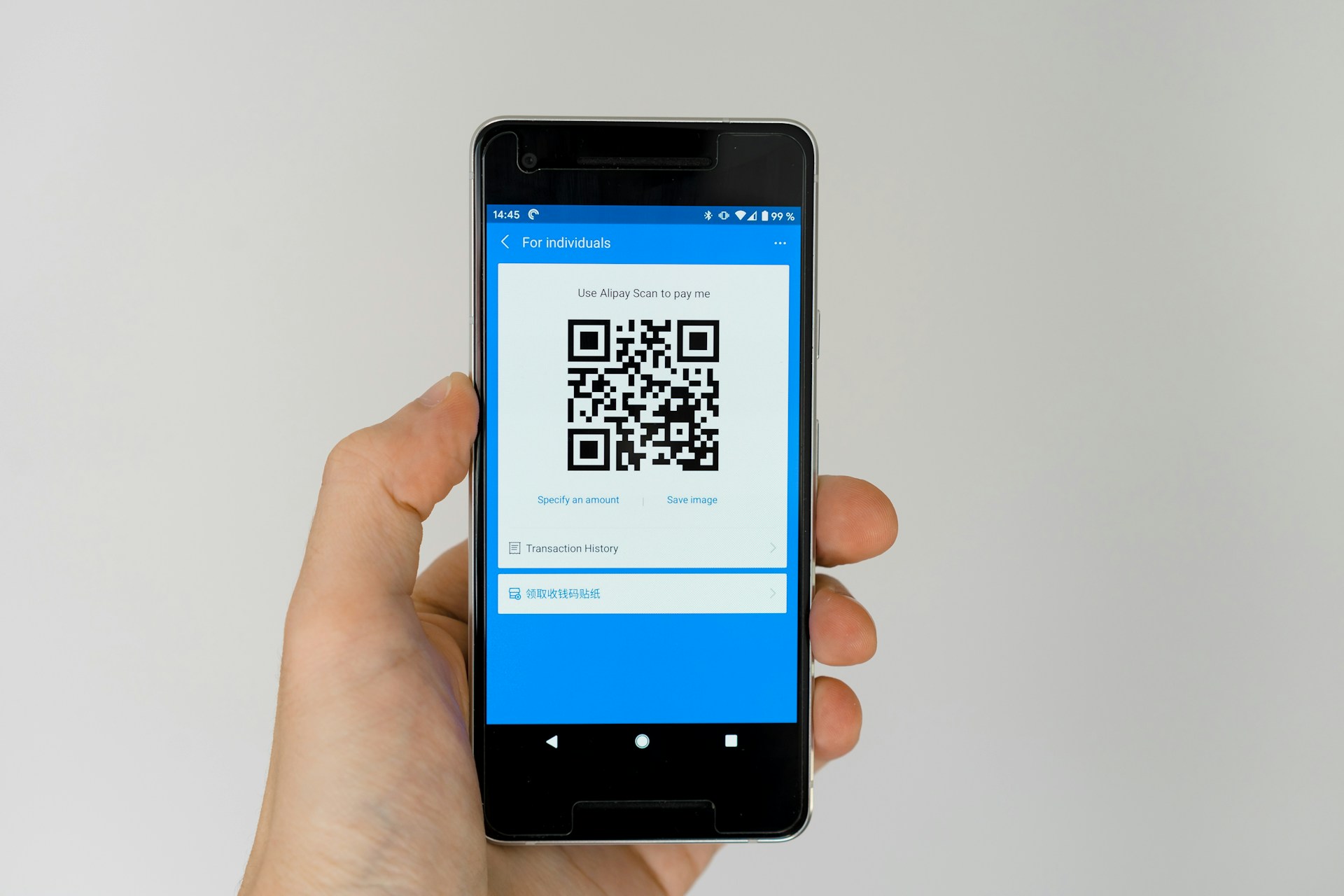
You can find them on restaurant menus, parking meters, advertisements, event tickets, product packaging, and even utility bills. What started as a convenient way to access websites quickly has become a normal part of everyday life.
Most people don’t think twice before scanning one.
Unfortunately, scammers know this.
Cybercriminals have discovered that QR codes can be an effective way to trick people into visiting dangerous websites, sharing personal information, or even making payments to criminals.
As QR codes become more popular, so do QR code scams.
Understanding how these scams work can help you avoid becoming the next victim.
What Is a QR Code?
A QR code, short for Quick Response code, is a square barcode that can be scanned using a smartphone camera.
Instead of typing a website address manually, users simply point their camera at the code and tap the link that appears.
Businesses use QR codes for many legitimate purposes, including:
The problem is that most people cannot see where a QR code leads until after they scan it.
This creates an opportunity for scammers.
Why Scammers Love QR Codes
Most people have learned to be cautious about suspicious emails and strange website links.
However, QR codes often bypass that caution.
When someone sees a QR code, they usually assume it is safe.
Scammers take advantage of this trust.
Unlike a traditional web link, a QR code hides its destination.
You cannot look at a QR code and instantly know where it will send you.
Because of this, criminals can direct victims to fake websites without raising immediate suspicion.
This type of scam is becoming so common that cybersecurity experts have even given it a name: “quishing,” a combination of QR code and phishing.
Fake Parking Meter QR Codes
One of the fastest-growing QR code scams involves parking meters.
Imagine arriving in a busy city and needing to pay for parking.
You notice a QR code attached to the parking meter.
Without thinking much about it, you scan the code and enter your payment details.
The problem?
The QR code was placed there by a scammer.
Instead of directing you to the city’s official payment system, it sends you to a fake website designed to steal your credit card information.
Many victims don’t realize anything is wrong until unauthorized charges begin appearing on their accounts.
Since the fake website often looks nearly identical to the real one, spotting the scam can be difficult.
QR Codes on Public Posters and Advertisements
Another common tactic involves placing fake QR code stickers over legitimate ones.
Scammers may target:
Bus stops
Shopping centers
Event posters
Community bulletin boards
Tourist attractions
A person scans the code expecting information about an event, special offer, or service.
Instead, they are redirected to a fraudulent website.
Some fake websites attempt to collect personal information.
Others try to install malicious software onto the user’s device.
Because the QR code appears to be part of the original advertisement, many people never suspect a problem.
Fake Package Delivery Notifications
Package delivery scams have existed for years.
Now scammers are increasingly adding QR codes to their messages.
You may receive a text message claiming:
A package could not be delivered.
Additional shipping fees are required.
Delivery information needs to be updated.
The message includes a QR code and instructions to scan it.
Victims who follow the instructions are often taken to a fake delivery website where they are asked to enter personal or financial information.
Since online shopping is more popular than ever, these scams can be surprisingly effective.
Many people are already expecting deliveries and may not question the message.
QR Codes Used to Steal Login Credentials
Some QR code scams focus on stealing usernames and passwords.
The victim scans a QR code and lands on what appears to be a familiar login page.
It may look like:
A bank website
An email provider
A social media platform
A streaming service
The page appears legitimate.
The logo looks correct.
The design feels familiar.
The victim enters their login information.
Unfortunately, the credentials are sent directly to the scammer.
In many cases, victims are redirected to the real website afterward, making the scam even harder to detect.
Fake QR Codes at Restaurants
QR code menus became increasingly popular in recent years.
Most restaurants use them safely.
However, scammers have found ways to exploit this trend.
In some cases, criminals place fake QR code stickers over legitimate restaurant menus.
Customers scan the code expecting to view the menu.
Instead, they are redirected to a fraudulent website.
The website may request personal information, encourage app downloads, or attempt to collect payment details.
This type of attack is particularly dangerous because people naturally trust businesses they are physically visiting.
Can QR Codes Install Malware?
In some situations, yes.
A QR code can direct users to websites that encourage downloading files, apps, or software.
If the user follows the instructions, malware may be installed on their device.
This malware could potentially:
Steal passwords
Monitor activity
Access personal information
Display unwanted advertisements
Lock files for ransom
While modern smartphones include security protections, users should still be cautious about downloading anything after scanning an unfamiliar QR code.
How to Spot a QR Code Scam
Although QR code scams are becoming more common, there are several warning signs to watch for.
The QR Code Appears Altered
Look closely at physical QR codes.
If a sticker appears to have been placed over another QR code, avoid scanning it.
This is one of the most common techniques used by scammers.
The Website Address Looks Suspicious
Many smartphones display the destination link before opening it.
Take a moment to review the address.
Watch for:
Misspelled company names
Strange domains
Random numbers and letters
Unusual website extensions
If something feels off, trust your instincts.
The Website Requests Sensitive Information
Be cautious if a QR code leads to a page requesting:
Passwords
Banking information
Credit card numbers
Verification codes
Legitimate organizations rarely ask for sensitive information unexpectedly.
The Offer Seems Too Good to Be True
Scammers often use QR codes to promote fake giveaways, prizes, discounts, and rewards.
If an offer sounds unbelievable, it probably deserves extra scrutiny.
How to Stay Safe When Using QR Codes
Fortunately, avoiding QR code scams is relatively simple.
Follow these safety tips:
Scan QR codes only from trusted sources.
Verify website addresses before entering information.
Avoid scanning random QR codes in public places.
Keep your smartphone updated.
Use security software when available.
Never rush when scanning a QR code.
Be cautious of unexpected QR codes received through text messages or emails.
The most important habit is slowing down and checking where the code leads before taking any action.
Final Thoughts
QR codes have made everyday tasks faster and more convenient. Whether you’re paying for parking, viewing a menu, or accessing information online, they can be incredibly useful tools.
Unfortunately, scammers have recognized the same convenience.
Because QR codes hide their destination and are widely trusted by the public, they have become an attractive tool for cybercriminals looking to steal information and money.
The good news is that most QR code scams rely on people acting too quickly.
By taking a few extra seconds to verify where a QR code leads and remaining cautious when sharing personal information, you can safely enjoy the convenience of QR codes while avoiding many of the risks.
When it comes to internet safety, a little skepticism can be one of your best defenses.
Lorenzo has been using the internet for as long as he can remember. He was there for the early days of message boards such as Reddit.com, he watched social media take over, and he’s excited to see what comes next.
We use cookies on our website to give you the most relevant experience by remembering your preferences and repeat visits. By clicking “Accept”, you consent to the use of ALL the cookies.
This website uses cookies to improve your experience while you navigate through the website. Out of these, the cookies that are categorized as necessary are stored on your browser as they are essential for the working of basic functionalities of the website. We also use third-party cookies that help us analyze and understand how you use this website. These cookies will be stored in your browser only with your consent. You also have the option to opt-out of these cookies. But opting out of some of these cookies may affect your browsing experience.
Necessary cookies are absolutely essential for the website to function properly. These cookies ensure basic functionalities and security features of the website, anonymously.
Cookie
Duration
Description
cookielawinfo-checkbox-analytics
11 months
This cookie is set by GDPR Cookie Consent plugin. The cookie is used to store the user consent for the cookies in the category "Analytics".
cookielawinfo-checkbox-functional
11 months
The cookie is set by GDPR cookie consent to record the user consent for the cookies in the category "Functional".
cookielawinfo-checkbox-necessary
11 months
This cookie is set by GDPR Cookie Consent plugin. The cookies is used to store the user consent for the cookies in the category "Necessary".
cookielawinfo-checkbox-others
11 months
This cookie is set by GDPR Cookie Consent plugin. The cookie is used to store the user consent for the cookies in the category "Other.
cookielawinfo-checkbox-performance
11 months
This cookie is set by GDPR Cookie Consent plugin. The cookie is used to store the user consent for the cookies in the category "Performance".
viewed_cookie_policy
11 months
The cookie is set by the GDPR Cookie Consent plugin and is used to store whether or not user has consented to the use of cookies. It does not store any personal data.
Functional cookies help to perform certain functionalities like sharing the content of the website on social media platforms, collect feedbacks, and other third-party features.
Performance cookies are used to understand and analyze the key performance indexes of the website which helps in delivering a better user experience for the visitors.
Analytical cookies are used to understand how visitors interact with the website. These cookies help provide information on metrics the number of visitors, bounce rate, traffic source, etc.
Advertisement cookies are used to provide visitors with relevant ads and marketing campaigns. These cookies track visitors across websites and collect information to provide customized ads.